Same App, Wildly Different File: What's Actually Inside the APK You're Downloading

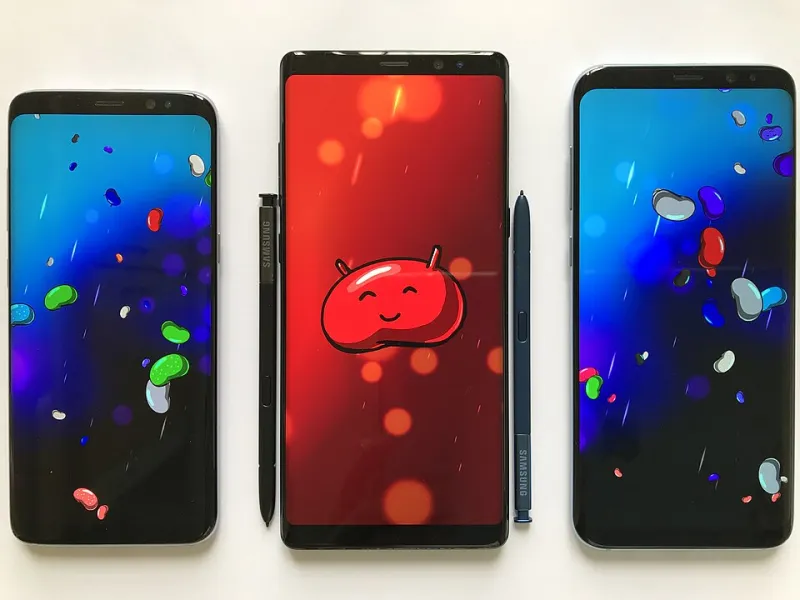
Photo: Google / Android developers, Apache License 2.0, via Wikimedia Commons
Picture this: you're looking to grab a popular social media app from an APK repository instead of waiting for the Play Store rollout. You find three different versions listed — one at 48MB, one at 112MB, and one at 310MB. They all claim to be the same app, same version number. So what's going on?
This kind of size discrepancy is one of the most misunderstood aspects of the Android ecosystem, and it matters more than most users realize. File size isn't just a storage concern — it's a diagnostic. Learning to read those numbers (and the metadata behind them) tells you a lot about what you're actually downloading and whether it belongs on your phone.
Why APKs Are Never Really "Just One File"
First, a quick primer. An APK — Android Package Kit — is essentially a ZIP archive. Inside it sits your app's compiled code, resources, assets, native libraries, and a manifest file. The manifest is particularly useful: it declares exactly what permissions the app requests and what components it contains.
The thing is, modern Android apps rarely ship as a single monolithic APK anymore. Google introduced a format called Android App Bundles (AABs) that lets developers split an app into multiple components. When you install from the Play Store, Google dynamically assembles only the pieces your specific device needs — the right screen density assets, the right CPU architecture libraries, the right language files.
When you grab an APK from outside the Play Store, you're typically getting one of two things:
- A universal APK — everything bundled together, built to run on any device.
- A split APK set — multiple smaller files that together replicate what the Play Store does dynamically.
A universal APK for a complex app can easily be two to three times the size of what the Play Store would install on your phone, because it contains assets and libraries for architectures you'll never use. That 310MB file? Probably a universal build.
Carrier Builds and OEM Variants: The Hidden Customizations
Here's where things get more interesting — and more complicated. App files don't just vary by format; they sometimes vary by who packaged them.
Carrier-specific builds are a real thing in the US market. Verizon, AT&T, and T-Mobile have historically worked with developers to ship customized versions of apps — sometimes with carrier branding baked in, additional analytics, or bundled features tied to their services. These builds occasionally end up on APK repositories labeled as the standard version, when they're actually a carrier fork.
OEM variants are similar. Samsung, for instance, has its own ecosystem of apps that mirror Google equivalents but are optimized (or modified) for Galaxy devices. You might find a version of an app that's been tuned for Samsung's hardware — which is fine if you're on a Galaxy, but potentially wasteful or problematic on a Pixel.
Neither of these is inherently dangerous, but they do mean you might end up with software that's reporting back to a carrier's analytics server or behaving differently than you'd expect.
The Mod Ecosystem: When File Sizes Signal Something Else
Let's talk about the elephant in the room: modded APKs. These are files where a third party has decompiled the original app, altered its code, repackaged it, and distributed it as an "enhanced" version. Common modifications include unlocked premium features, removed ads, or added functionality the developer never intended.
Modded APKs are almost always larger than the originals — because adding code inflates the file. But they can also sometimes be smaller, if the modifier stripped out features, ads SDKs, or telemetry code.
From a security standpoint, modded APKs are a significant risk. Even if the person who made the mod had good intentions, the process of decompiling and recompiling an app introduces opportunities for mistakes or malicious additions. There's no way to verify that the modified binary does only what it claims. The developer signature won't match the original, and no reputable repository will host them — so if you're finding modded APKs, you're already in a less-vetted corner of the internet.
A useful rule of thumb: if an APK promises paid features for free and the file size doesn't match anything published by the official developer, walk away.
How to Decode APK Metadata Before You Install
You don't need to be a developer to do basic APK inspection. Here are practical ways to understand what you're dealing with:
APKMirror's Version History For any app with a legitimate Play Store presence, APKMirror lists every version with its exact size, architecture variants, and — critically — whether the signature matches the developer's known certificate. This is your baseline. If the file you found elsewhere doesn't match these numbers, something has changed.
Android Studio's APK Analyzer If you're comfortable with a little tech, drag any APK into Android Studio and open the APK Analyzer. It breaks down exactly what's inside: the manifest (with all permissions declared), the native libraries (showing which CPU architectures are included), and the raw size of each component. You can see at a glance if an app is carrying libraries it has no obvious reason to have.
Package Name Verification
Every Android app has a unique package name registered with Google. Search the Play Store or the developer's official site for the correct one. Then check your APK's manifest to confirm it matches exactly. A single character difference — com.example.app vs com.examp1e.app — is a classic spoofing technique.
VirusTotal and Hybrid Analysis Upload the APK before installing. VirusTotal runs it against 60+ antivirus engines. Hybrid Analysis goes further and can identify behavioral patterns — like an app that reaches out to known malware command-and-control servers.
What "Optimized for Different Markets" Actually Means
Legitimate developers also intentionally ship different builds for different regions — and this can explain size variation without any foul play.
An app built for the US market might include Stripe payment libraries, Google Maps integration, and English-only language packs. The same app built for Southeast Asia might swap in local payment rails, different mapping APIs, and a broader language set. The underlying product is the same, but the engineering is different.
This is actually good software development practice. The problem for users is that APK repositories don't always clearly label which regional build they're hosting. If you're grabbing an app from a US-based repository, confirm it's the US/global build, not a version optimized for a market with different infrastructure.
The Bottom Line on File Sizes
Size alone isn't a verdict. A large APK might just be a universal build that includes everything for every device. A small APK might be a perfectly optimized split file — or it might be stripped of something important.
What matters is the combination of factors: does the file size roughly align with what official sources show? Does the developer signature check out? Does the manifest request permissions that make sense for what the app does? Does the package name match exactly?
Treat every APK like a small investigation. The metadata is there — you just have to know where to look. And once you get comfortable reading those signals, downloading outside the Play Store becomes a much more informed decision rather than a leap of faith.